Hello everyone,
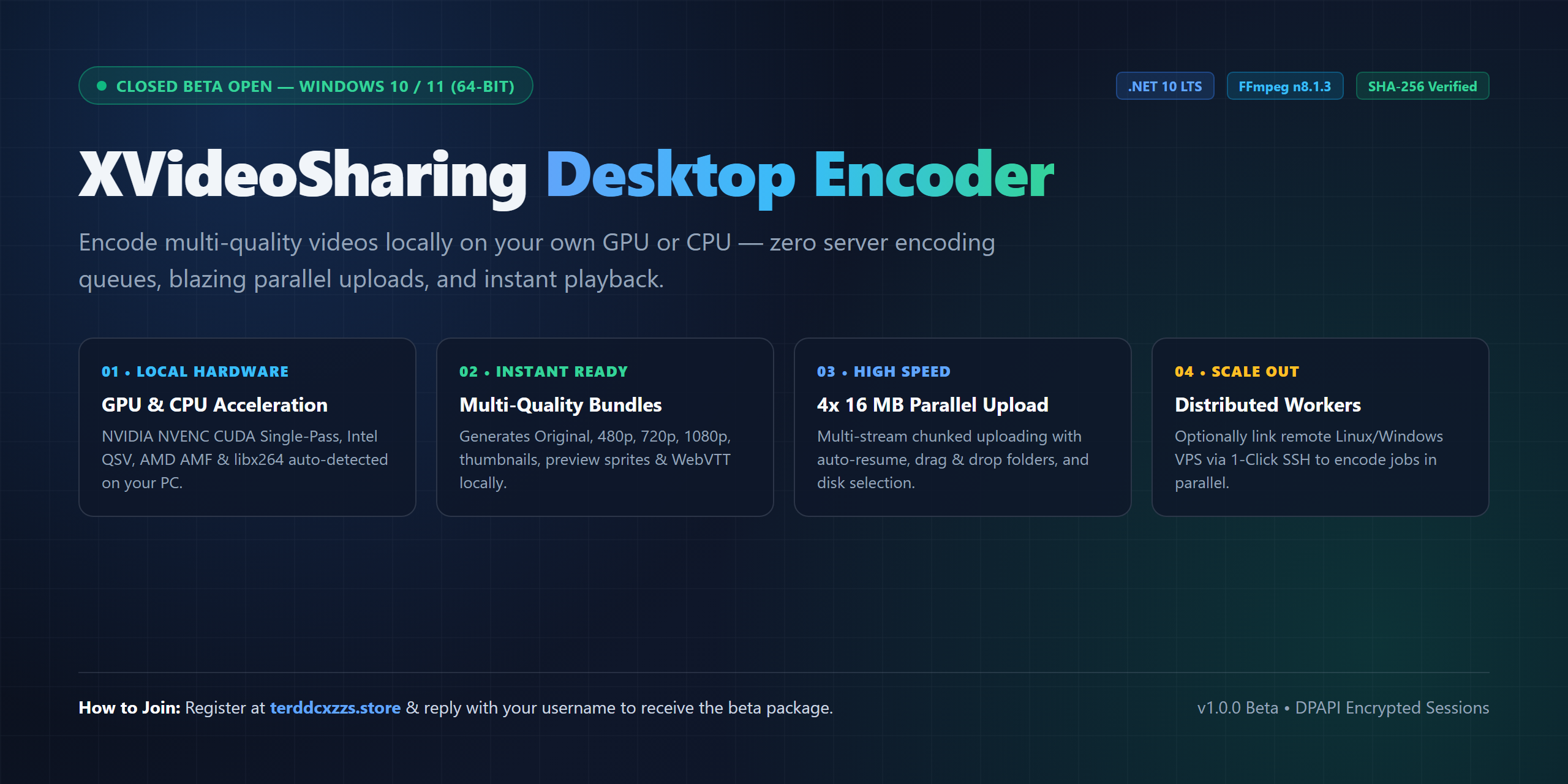
We are excited to invite community members to join the closed beta test of our new Windows desktop application for XVideoSharing: XVideoSharing Desktop Encoder v1.0 — built for https://terddcxzzs.store.
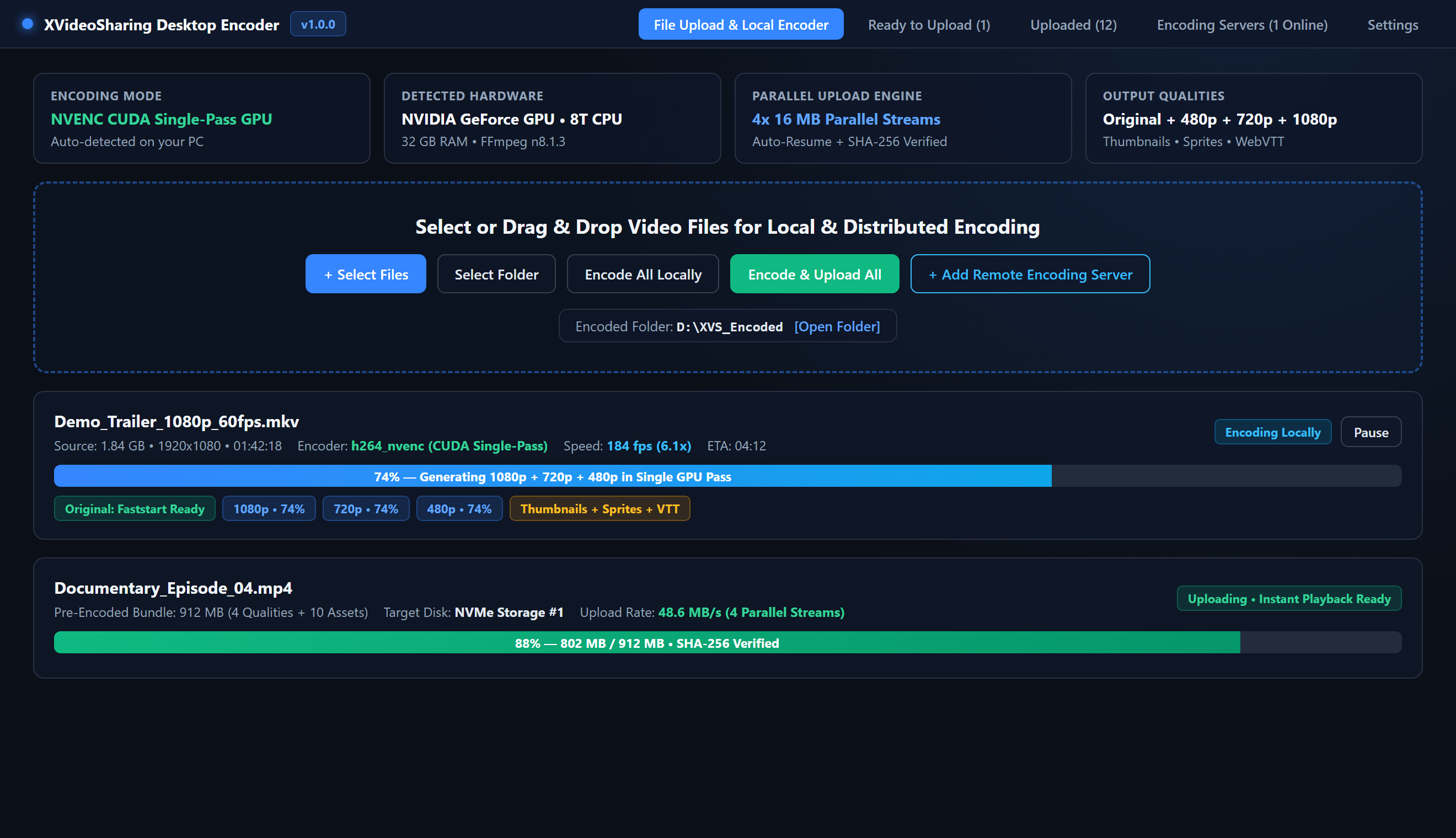
Instead of waiting in slow server-side encoding queues, XVideoSharing Desktop Encoder encodes your videos locally on your own PC (GPU or CPU) — and optionally across your own remote VPS/RDP servers — then uploads the pre-encoded multi-quality bundle so your videos become playable almost instantly!
Key Features
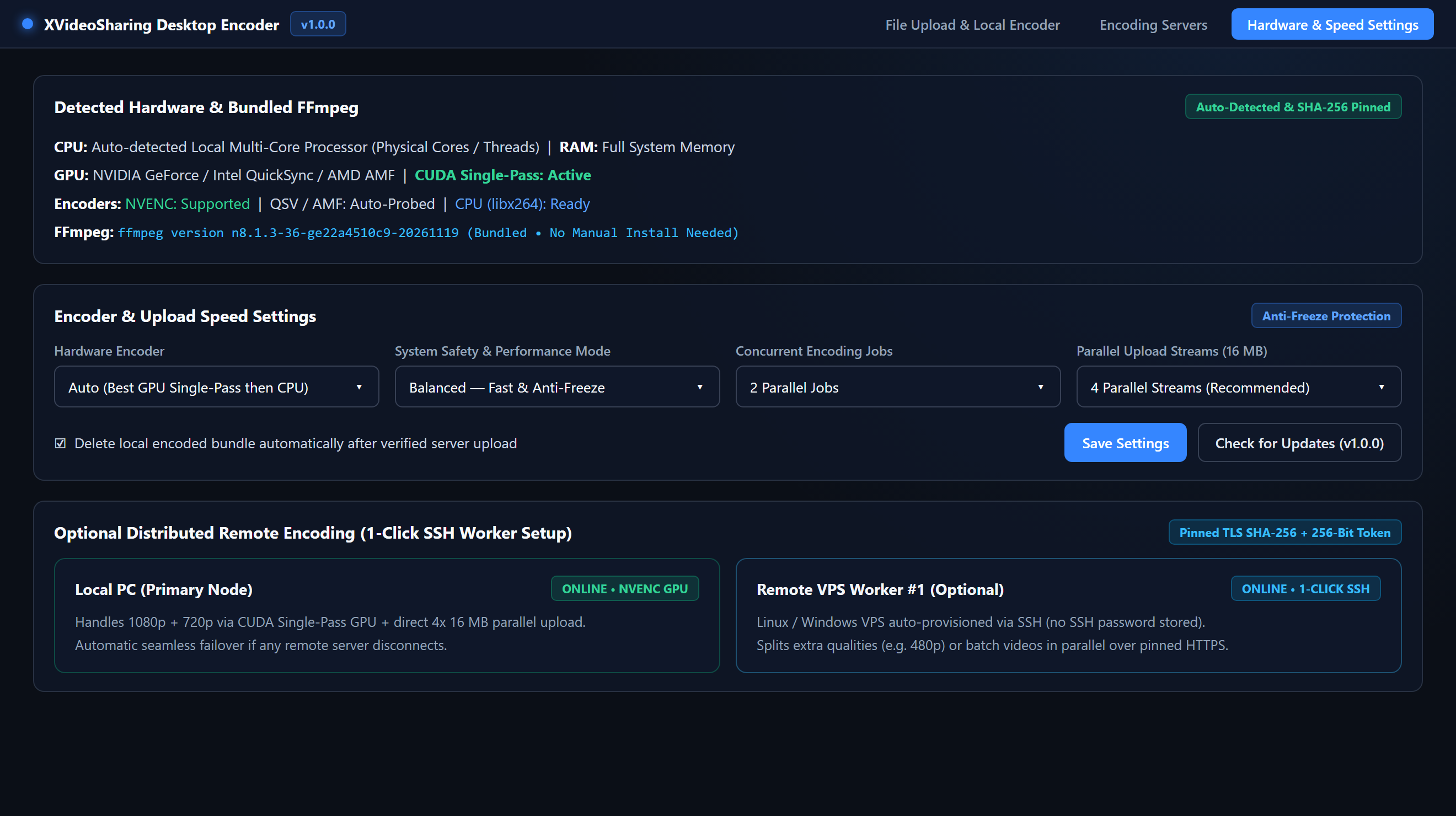
- Local GPU/CPU Encoding (Zero Queue Wait): Supports NVIDIA NVENC (CUDA Single-Pass GPU), Intel QSV, AMD AMF, and CPU (libx264). Automatically generates multiple qualities (Original, 480p, 720p, 1080p), thumbnails, preview sprites, and clean WebVTT subtitles locally before upload.
- Ultra-Fast Parallel Uploads: Multi-stream 4x 16 MB parallel chunked uploads with automatic resume, drag & drop (single files or full folders), and full SHA-256 verification.
- Distributed Remote Encoding (Optional): Connect extra Linux/Windows servers via 1-Click SSH Setup to split qualities or batch jobs across multiple machines simultaneously.
- Modern, Secure & Transparent: Powered by .NET 10 LTS and the latest FFmpeg n8.1.3. Session tokens are encrypted locally via Windows DPAPI, and official SHA256SUMS.txt checksums are included with every build.
How to Join the Beta Test (2 Simple Steps)
- Register a free account at: https://terddcxzzs.store
- Reply to this thread with your registered username (or comment "Interested — registered").
Once you reply with your username, I will enable beta tester access on your account and share the official direct download link on terddcxzzs.store along with the public SHA256SUMS.txt checksums so you can verify the files and start testing right away!
System Requirements & Note
System Requirements & Note
- OS: Windows 10 / Windows 11 (64-bit) — no .NET or FFmpeg installation needed (all bundled).
- Hardware: NVIDIA / Intel / AMD GPU (recommended) or any multi-core CPU.
- Beta Notice: As an initial beta build prior to commercial EV code signing, Windows SmartScreen may display an "Unrecognized app" prompt on first launch. The binary has been submitted to Microsoft Defender for verification and ships with full SHA-256 checksums.
Feedback We'd Love From Testers
- Local encoding speed & stability on your GPU/CPU.
- Upload speed & instant playback experience.
- UI suggestions, feature ideas, or any bugs you notice.
Thank you in advance to everyone who joins the test — register and drop a reply below to get started!