
- Compatible XF 2.x versions
- 2.3
- Visible branding
- No
Advally — WebOps & Advertising helps people find your forum, in search engines and in AI answers, and lets you earn from ads when you choose to. It's free to install. Ads stay off until you switch them on; after that, Advally keeps 20% of the ad revenue and pays you the rest.
What it does
Screenshots
See it work

Watch the full demo (50 seconds): advally-forum-app-demo.mp4
Requirements
What it does
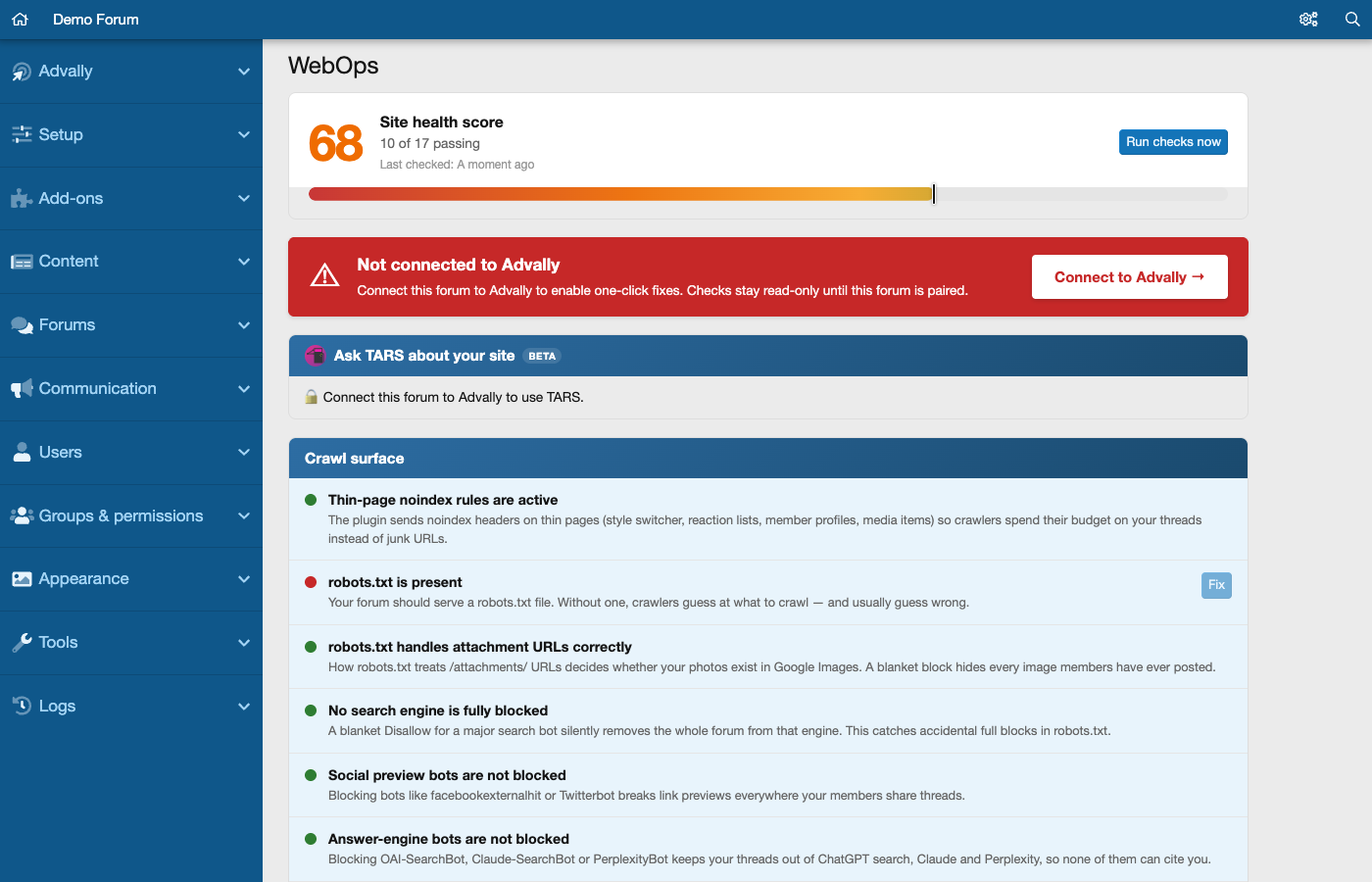
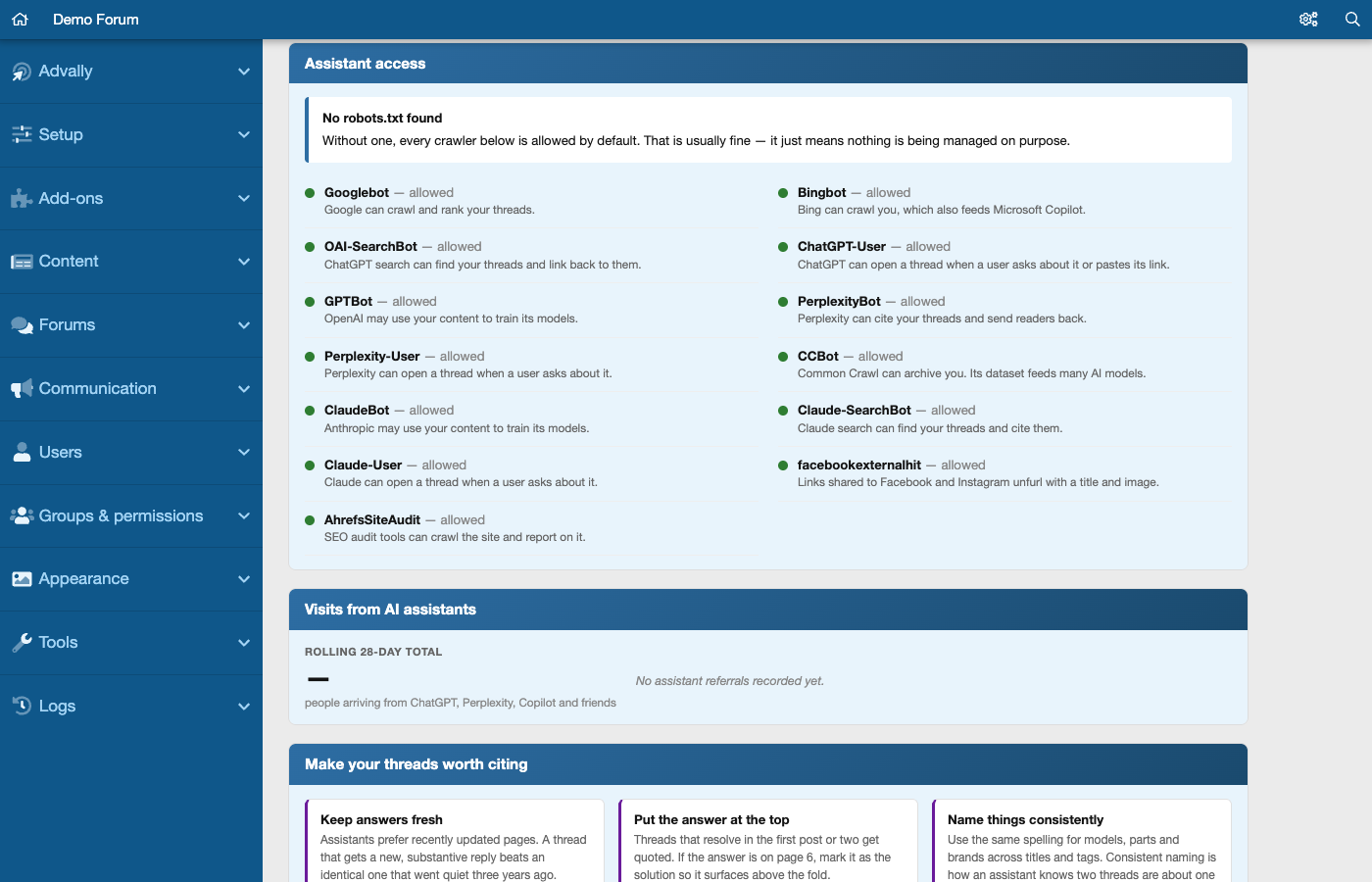
- Checks that search engines and AI crawlers can reach your board, and tells you in plain English what blocks them. Some problems have a one-click fix once your forum is connected to Advally.
- Counts the visits AI assistants such as ChatGPT and Perplexity send you.
- Checks that XenForo's sitemap is switched on and, if you enable IndexNow, tells Bing and other IndexNow search engines about new threads within minutes.
- Keeps your ads.txt in sync with Advally, with nothing to edit by hand.
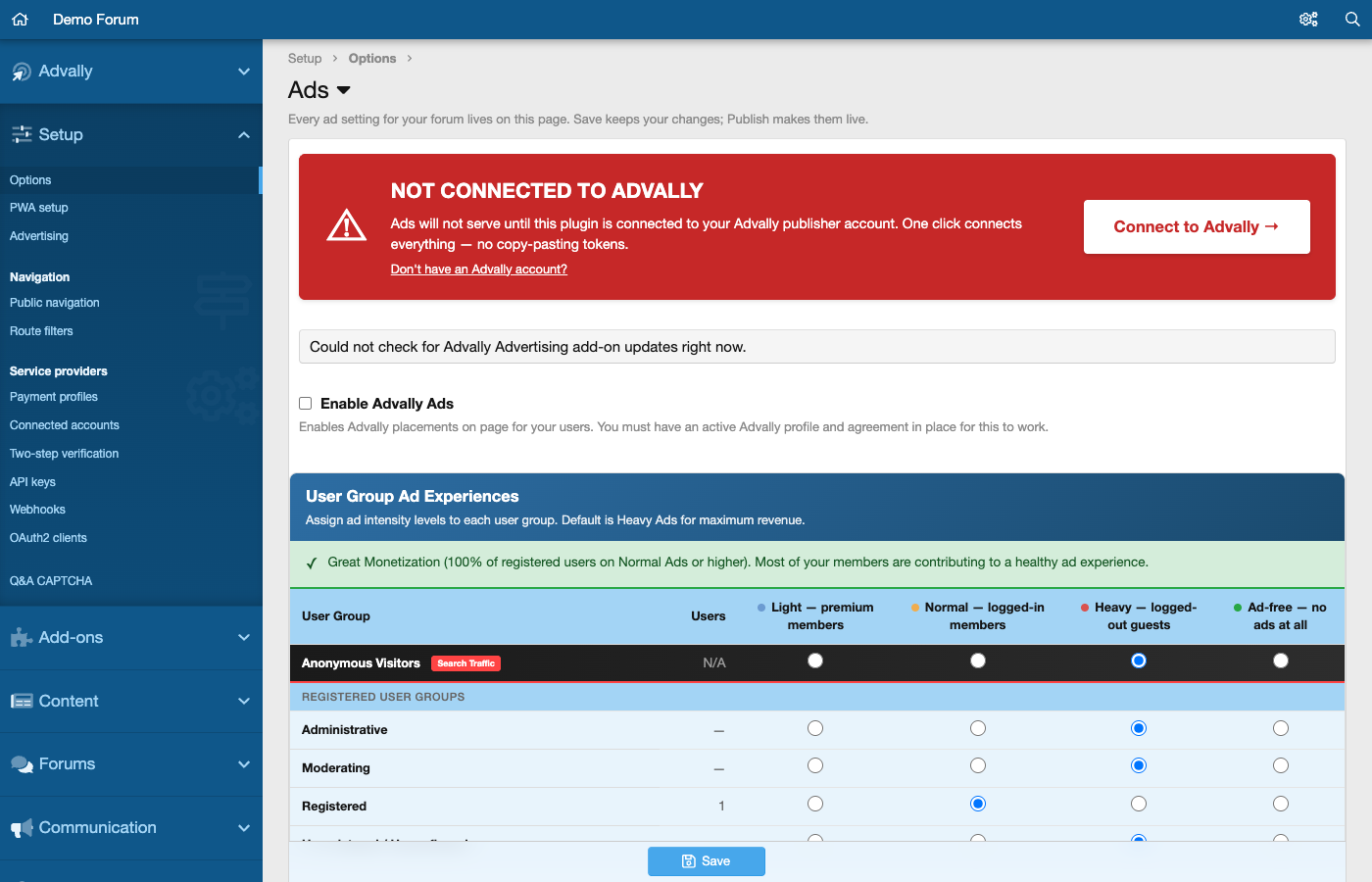
- Sets ad intensity for each user group: light, normal, heavy or ad-free.
- Warns you on the WebOps screen when a newer version is available.
Screenshots
See it work
Watch the full demo (50 seconds): advally-forum-app-demo.mp4
Requirements
- XenForo 2.3 or newer.
- An Advally publisher account. New to Advally? Sign up at app.advally.com/enroll, then click Connect to Advally in the Admin CP.


